
Reading a product page
Your price, the MAP price, options and quantity, all on one page.
Prices
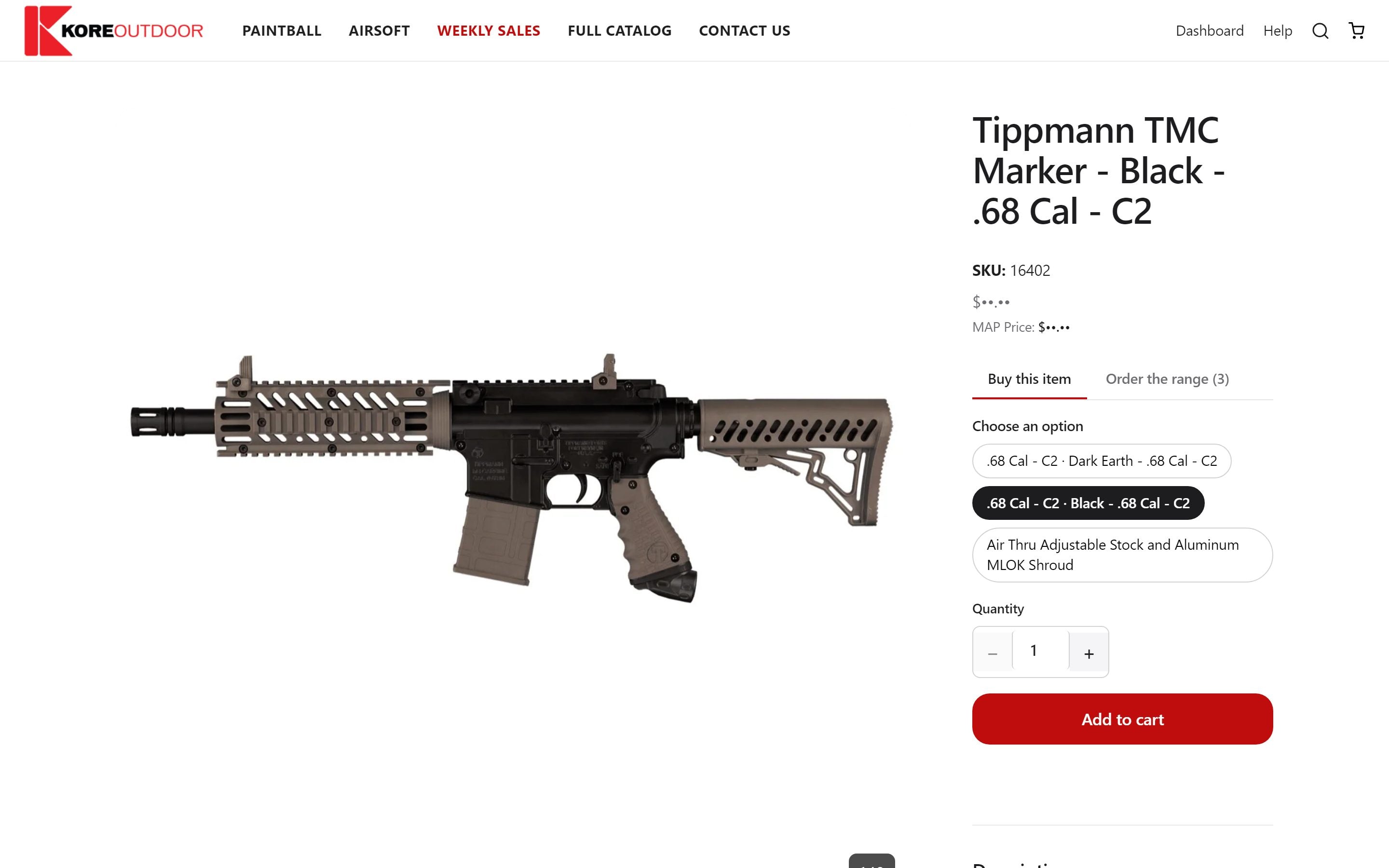
- The large price at the top is your dealer price. This is what you pay.
- MAP Price, just below it, is the minimum advertised price: the lowest price you can advertise the product at.
- If a second price is crossed out next to yours, the product is on sale and that was the regular price.
Options and quantity
- Step 1: Pick a color or size from the option pills, if there are any.
- Step 2: Set the quantity with the + and − buttons or type a number.
- Step 3: Select Add to cart. Your cart opens on the side so you can check it; close it to keep shopping.
Tip: Some products come in many sizes or colors. Their page has an Order the range tab, where you can order several at once.
Further down the page
Scroll for the full description and specs, and a row of related products you can add without leaving the page.
Still stuck? Contact the Kore team.