
Finding products
Browse with the menu, narrow down with filters, or search by name or SKU.
Browse with the menu
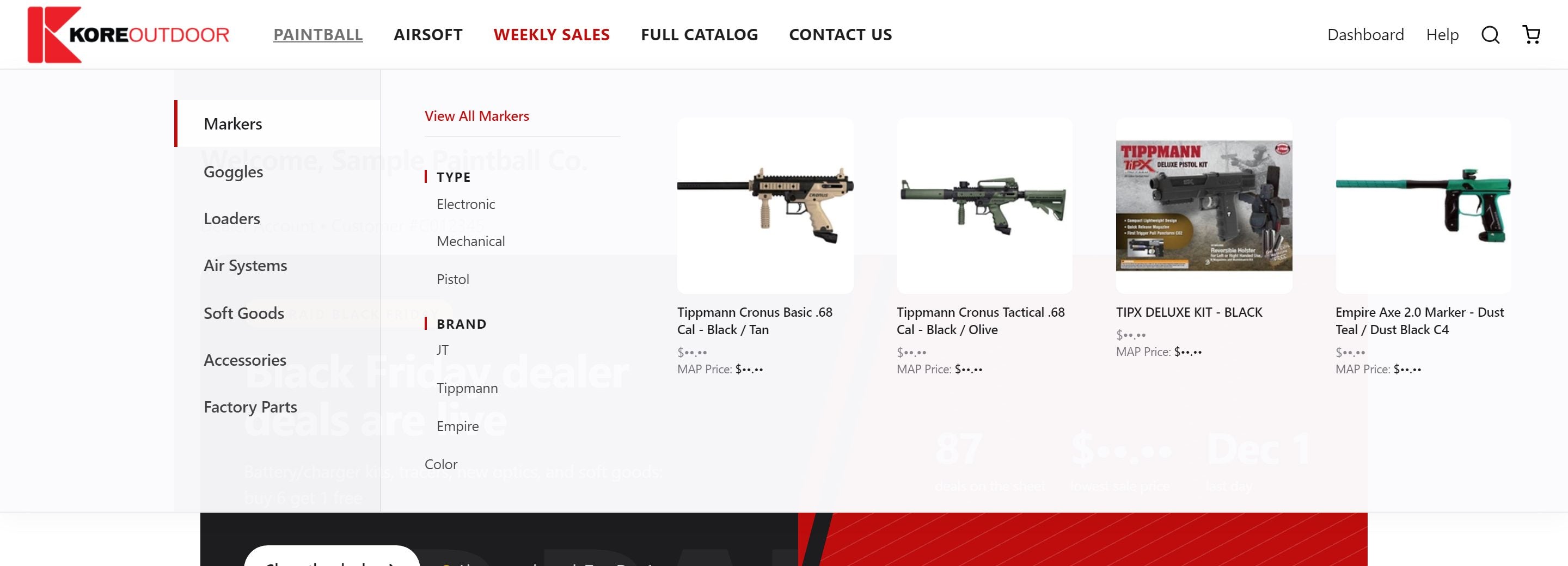
Hover a category in the top menu (Paintball, Airsoft and so on) to see its brands, sub-categories and a few products. Click any link to open the full list. On a phone, tap the menu button at the top.
Narrow the list with filters
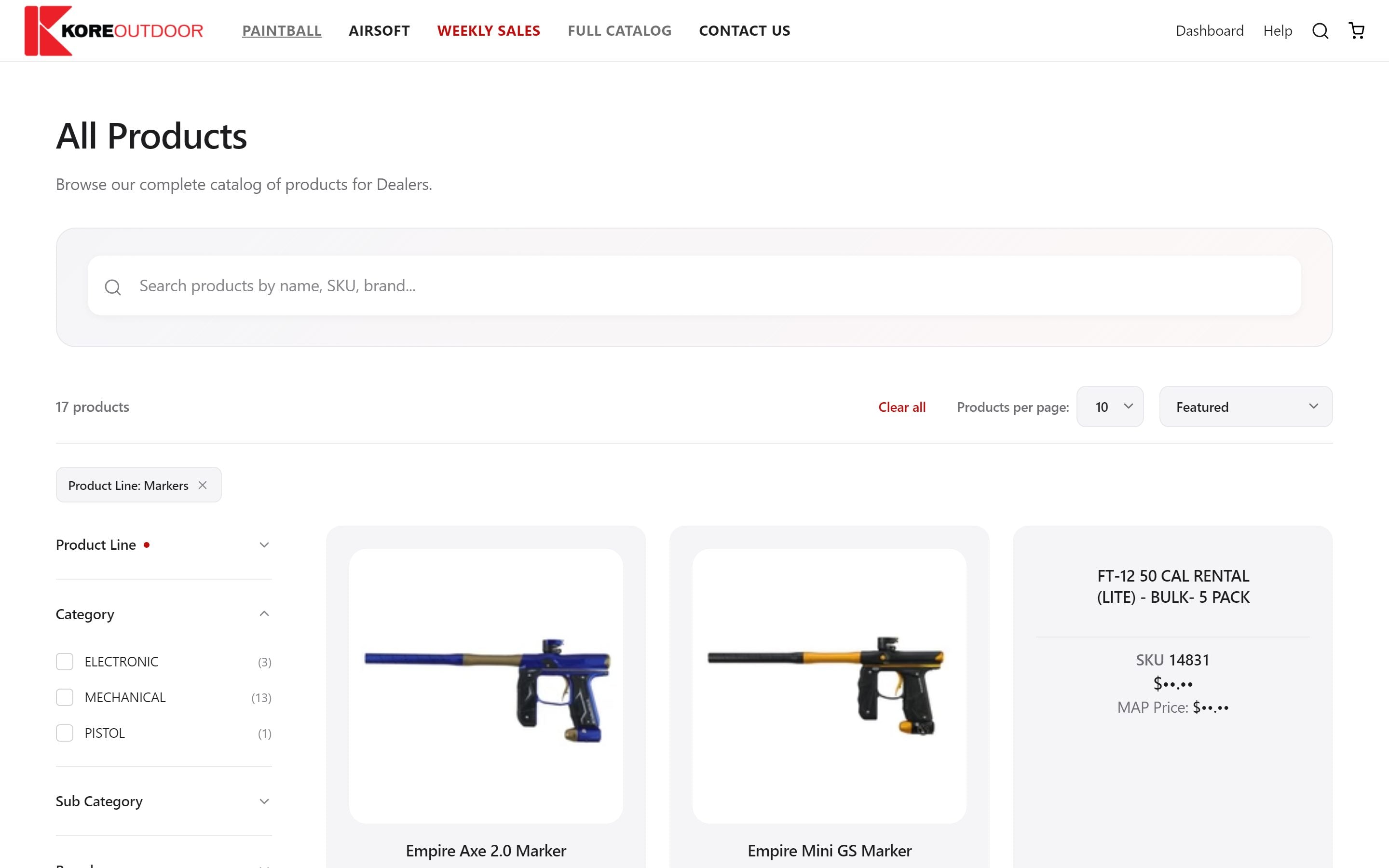
Category and brand lists have filters down the left side (on a phone, tap Filters): product line, category, brand, color, availability, price and more. Pick as many as you like; the list updates straight away. Filters you already chose from the menu are tucked to the bottom so the useful ones are on top.
Search
- Step 1: Select the magnifying glass at the top of any page.
- Step 2: Type a product name, brand or SKU. Matching products appear as you type.
- Step 3: Select a product to open it, or select Search to see every match with its own Add to cart button.
Tip: Searching by SKU is the quickest way to reorder something you already know.
Products with several options
Products that come in several colors or sizes show as one card with small option pills. Pick the option on the card, then add it to your cart.
Still stuck? Contact the Kore team.