
Ordering several sizes or colors at once
Use the Order the range tab to fill in quantities for a whole product family in one go.
When you’ll see it
Products that come in a family of sizes or colors have two tabs above the options: Buy this item and Order the range. The number next to Order the range is how many options there are.
Buy this item
Pick a color or size from the option pills. Faded pills are out of stock; hover one to see why. Then set the quantity and add to cart as usual.
Order the range
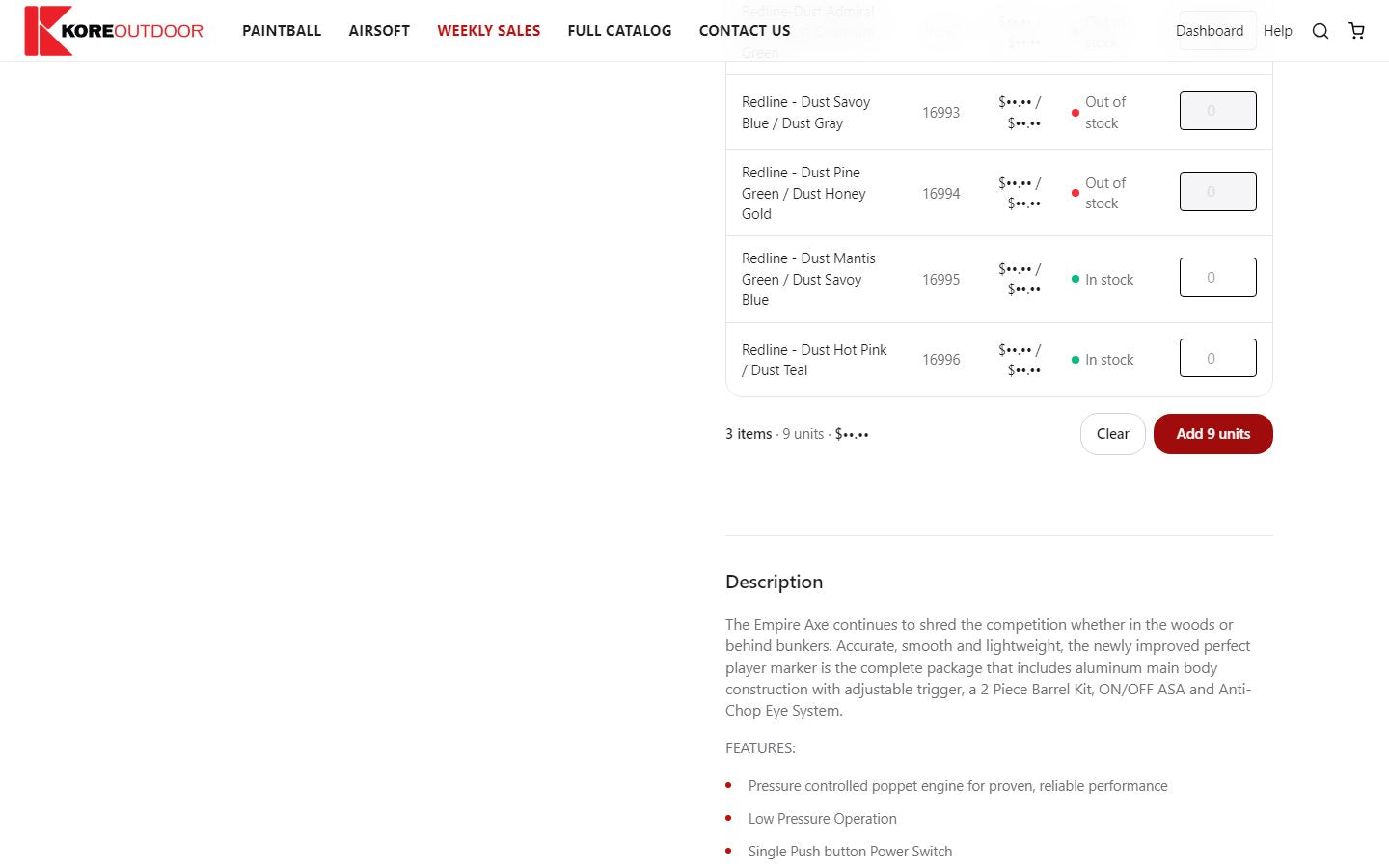
- Step 1: Select the Order the range tab. You’ll see every option with its price, MAP and stock, as a list or as a grid of colors by sizes.
- Step 2: Type a quantity next to each option you want. The bottom of the table adds up items, units and the subtotal as you go.
- Step 3: Select Add [number] units. Everything goes into your cart together.
Tip: Some products are sold in set multiples, such as packs of 6. If you type a quantity in between, the box rounds it up to the next multiple when you click away.
Still stuck? Contact the Kore team.