
Weekly Sales
A fresh set of dealer deals every Friday: sale prices, kits and pick-an-add-on offers.
When and where
Open the Weekly Sales tile on your dashboard, or WEEKLY SALES in the top menu. New deals go live every Friday and usually end Sunday at midnight (Pacific time). The dates are shown at the top of the page, so order over the weekend.
Reading a deal card
- This week: the deal price. Percent-off deals show the percent beside it.
- Wholesale: your normal price, so you can see the saving.
- MAP: the minimum advertised price.
- Unavailable: that deal isn’t offered on your account this week, so it can’t be added.
- Sold through: the stock set aside for this deal has run out. Check with your sales rep before ordering it.
Set the quantity and select Add to Cart. Your cart opens so you can check it.
Kinds of deals
- Sale price: one product at the deal price.
- Kit: a product plus the items listed under Includes, at one kit price. Adding 2 kits adds everything twice.
- Pick an add-on: choose one option from the list (some are free), then add. The button stays off until you pick one.
Tip: The parts of a kit or add-on deal stay together in your cart. Change the quantity of one and the others follow; remove one and the whole deal is removed.
Between weeks
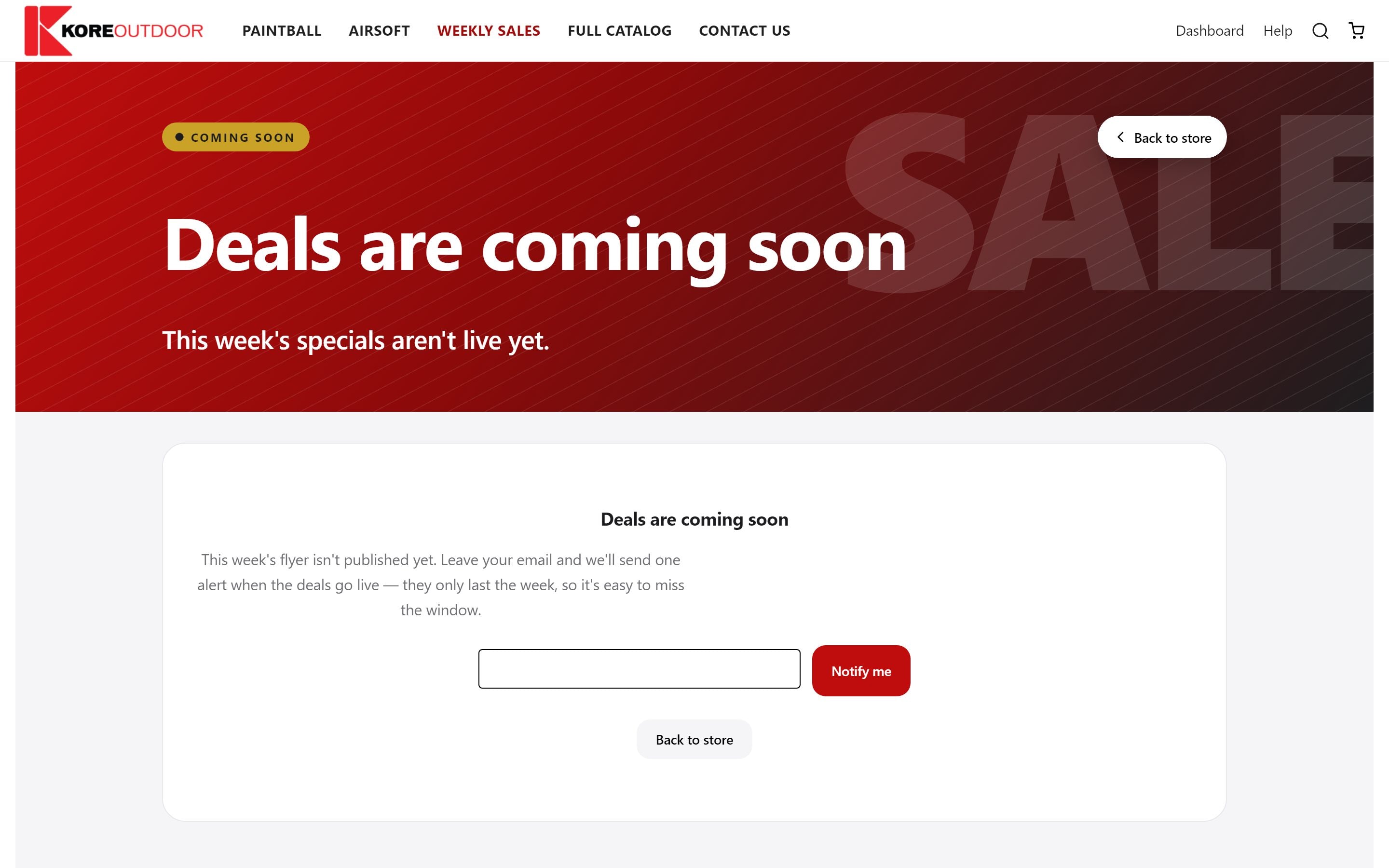
If the next set isn’t live yet, the tile and page say Deals are coming soon. Leave your email and select Notify me, and we’ll send one email when the new deals are up.
Still stuck? Contact the Kore team.