
Signing in
Use your customer number and password. You stay signed in on your device.
Sign in
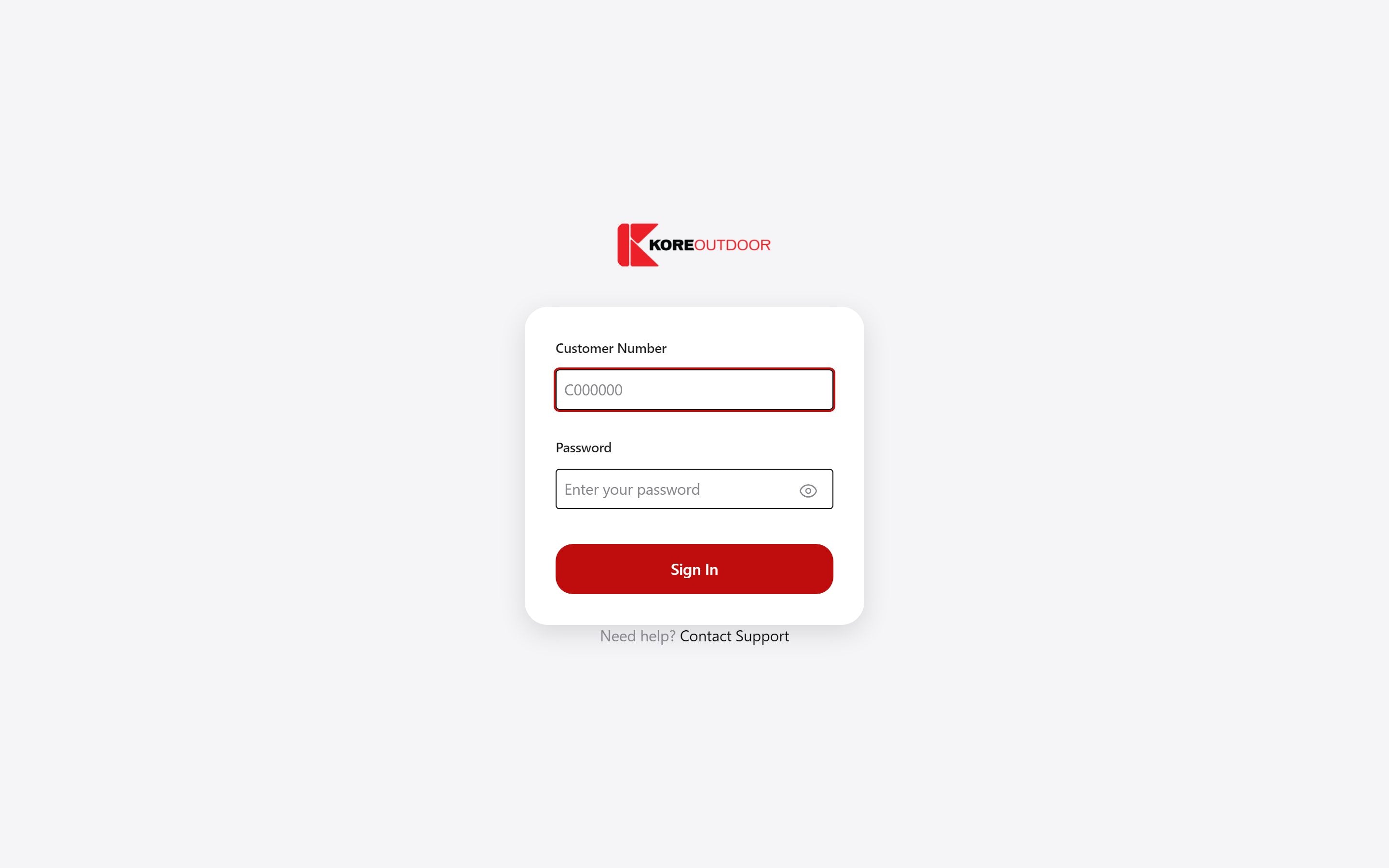
- Step 1: Go to the store and choose Sign in at the top right.
- Step 2: Enter your customer number. It starts with a C, for example C012345. You’ll find it on any Kore invoice.
- Step 3: Enter your password and select Sign In.
Staying signed in
The store remembers you on the device you signed in on, so you won’t be asked again each visit. To sign out, select Sign out at the top right of your dashboard, across from your name.
Trouble signing in?
If your password doesn’t work or you don’t have one yet, call your Kore sales rep. They can reset it for you.
Still stuck? Contact the Kore team.